



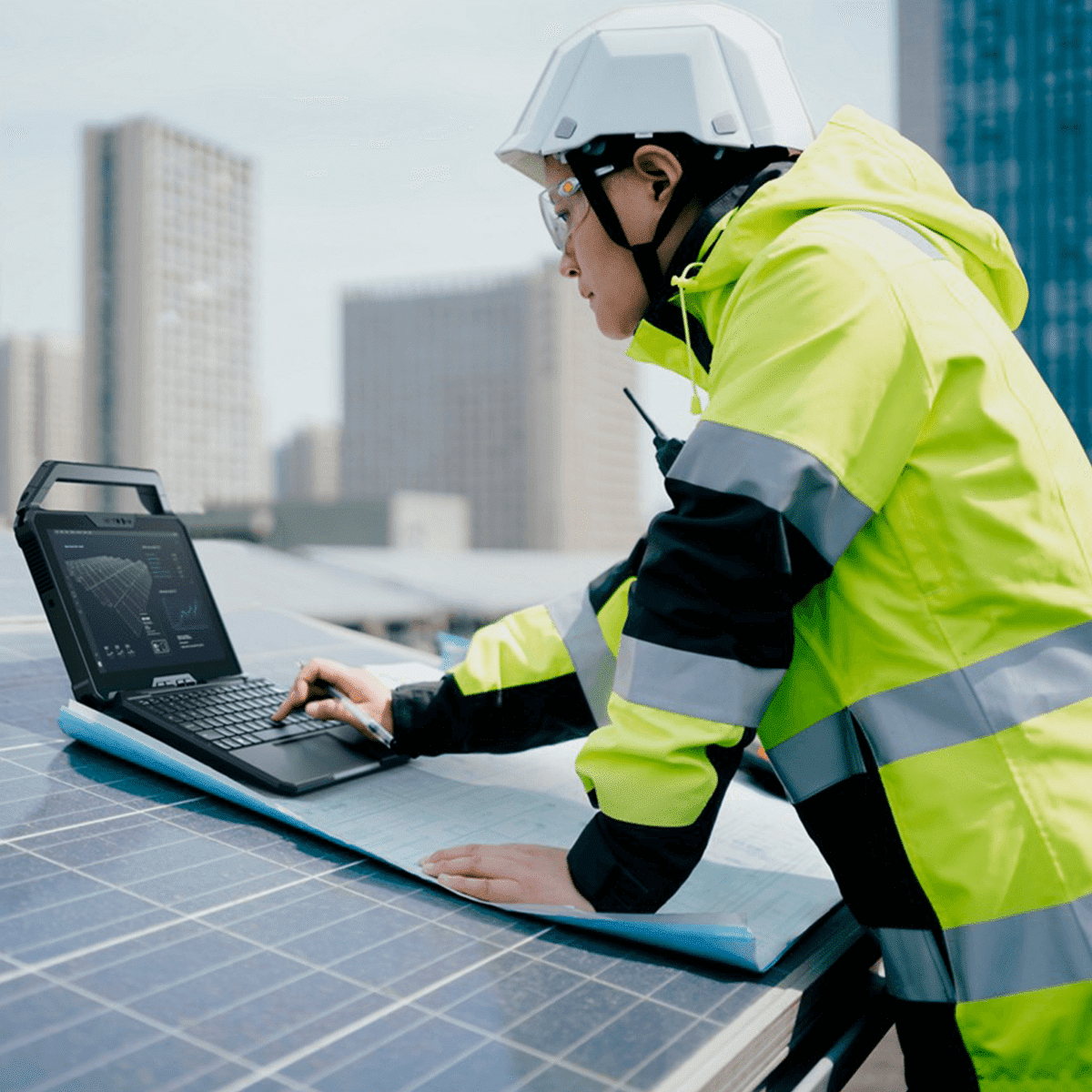
Standard laptops were designed for offices, not job sites. The gap between those two environments — in dust exposure, water contact, physical impact, vibration, temperature variation, and the basic treatment that construction work inflicts on every piece of equipment — is why organizations relying on commercial computing hardware on construction sites consistently experience the failure rates, replacement cycles, and productivity losses that purpose-built field hardware eliminates. Choosing the right construction laptop starts with understanding what a construction environment actually does to computing hardware and working backward to the specifications that survive it reliably.
What Construction Sites Actually Do to Computing Hardware
Few working environments are as destructive to standard computing hardware as an active construction site, and the hazards are varied enough that any single point of fragility in a device’s design becomes a predictable failure.
Dust is among the most pervasive threats. Concrete particulate, drywall dust, sawdust, and demolition debris infiltrate unsealed device enclosures, accumulate on circuit boards, clog cooling systems, and abrade optical surfaces — causing progressive hardware degradation that accelerates with continued exposure. Water from rain, site operations, and high-humidity conditions represents a parallel threat to any device lacking meaningful ingress protection.
Drops from working heights, sustained vibration from heavy equipment and vehicle transport, temperature extremes across outdoor deployment in summer and winter conditions, and the direct sunlight that renders standard laptop displays effectively unreadable complete a hazard profile that disqualifies commercial-grade hardware as a sustainable field computing option.
The Specifications a Construction Laptop Must Meet
Matching a laptop to a construction environment begins with identifying the specifications that directly address the conditions the device will encounter.
MIL-STD-810H certification is the baseline structural durability requirement, covering shock, vibration, temperature range, and humidity exposure that construction sites impose consistently rather than occasionally. The vibration test categories — designed to simulate heavy equipment operation and vehicle transport — are particularly relevant to construction deployment contexts.
IP65 or higher ingress protection addresses dust and water exposure directly: complete dust exclusion and resistance to water projected from any direction is the practical minimum for consistent outdoor site use where both hazards occur simultaneously. A sunlight-readable display is not an optional feature — standard displays become effectively unreadable in direct outdoor lighting conditions, making this specification a functional requirement for any worker who needs to reference drawings, models, or data in daylight. Solid-state storage is preferable to mechanical drives in high-vibration environments where spinning disk components are vulnerable to sustained physical stress.
Construction Workflows That Define the Computing Requirement
The software workflows driving construction computing requirements have expanded significantly, and the hardware must support them reliably under field conditions throughout a full workday.
Building Information Modeling platforms — Autodesk Revit, BIM 360, and related applications — require processing capability and display resolution sufficient to navigate complex 3D project models on site without performance degradation that undermines the workflow. Project management platforms such as Procore, PlanGrid, and Bluebeam are now standard across commercial construction projects, requiring reliable connectivity, stable software performance, and full shift battery capacity.
Safety compliance software, digital inspection and punch list workflows, photo and video documentation, and real-time team communication all run concurrently in modern site management roles. The laptop serving those tasks must sustain that operational load across an outdoor workday without the battery degradation and thermal throttling that compromises commercial hardware under sustained field use — conditions for which consumer devices were simply not designed or tested.
Form Factor Considerations for Site Deployment
The form factor of a construction laptop affects both its day-to-day usability and its suitability across the range of tasks site workers and managers perform.
Full laptop configurations — typically 14 to 15 inches — provide the screen space and full keyboard input that BIM, CAD, and project management software genuinely requires. For site managers who work primarily from a site office or vehicle but deploy to the floor for inspections, a rugged laptop that connects to a larger display in the office while remaining field-portable is a practical dual-context configuration.
Rugged tablets with keyboard dock accessories suit workers whose primary on-site tasks involve form completion, data capture, and photo documentation, with the option to detach the keyboard for handheld use during physical inspections. Glove-compatible touchscreen capability is a practical specification rather than a premium feature in construction environments where hand protection is a continuous safety requirement.
Total Cost of Ownership: Why the Rugged Investment Returns Its Premium
The upfront price difference between a commercial laptop and purpose-built rugged hardware represents a fraction of the total cost comparison when failure rates, replacement cycles, and lost productivity are factored across a realistic deployment period.
Commercial laptops deployed on construction sites typically require replacement within 12 to 24 months of active use. Multiplied across a team of workers over multiple seasons, that cycle produces hardware expenditure that exceeds the initial cost of purpose-built alternatives considerably. Rugged devices certified for field environments routinely deliver five or more years of reliable service in the conditions that eliminate commercial hardware within a single construction season. Procurement decisions made on full lifecycle cost — rather than purchase price alone — consistently favor construction-grade hardware as the lower total-cost option.
Hardware Built for the Site, Not Adapted to It
A construction laptop is not a rugged version of an office computer — it is hardware engineered from job site operational demands outward, specified to survive those conditions and support the workflows that modern construction management requires. Deploying commercial hardware in those conditions does not reduce costs; it defers them while introducing the operational disruption that unplanned device failure produces at the worst possible moments.
Tough Rugged Laptops carries rugged computing hardware specified for construction and field deployment environments, including certified devices with the durability ratings, outdoor display options, and configuration flexibility that site operations require. Visit their website to explore available inventory and identify the right hardware for your project environment and team.
